Chatbots give you quick answers. Count helps you trust and act on them.
AI chatbots like ChatGPT and Claude have changed how people interact with data. They’re incredibly powerful for quick answers, summaries, and exploration.
But when the answer actually matters - when it needs to be trusted, verified, and used to make a decision - chatbots fall short. That’s where Count steps in. It’s built for agentic analytics: the AI does the analysis, not just the query.
Chatbots: “What’s the answer?”
Count: “How did we get there and what should we do next?”
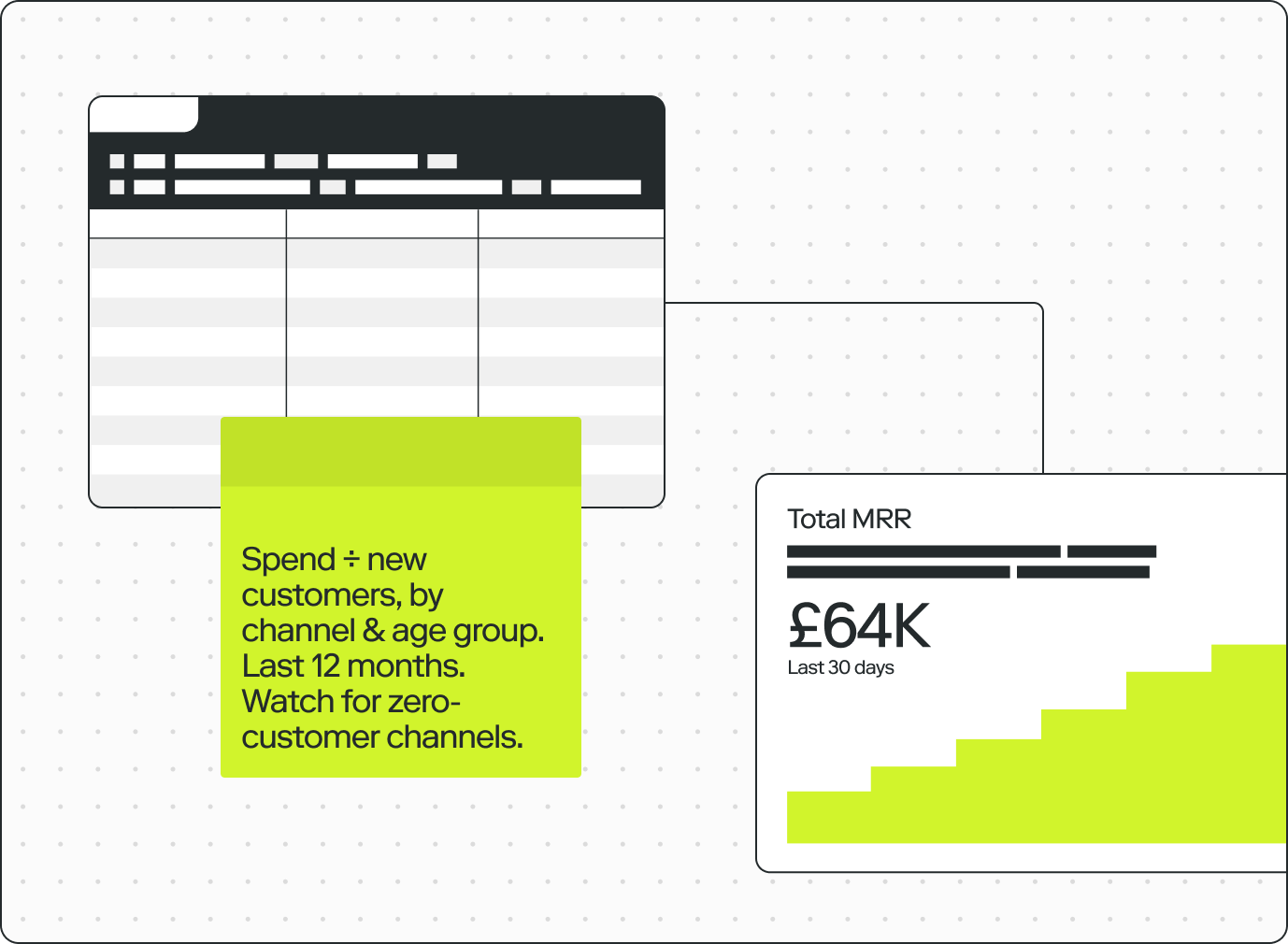
A chatbot gives you a number with no workings. You can't see what data it queried, how it was transformed, or whether the logic makes sense. You either take it on faith or start over.
In Count, the AI works alongside you on the canvas. Every query it writes, every transformation it applies, every step in its reasoning is visible. You can edit it, challenge it, and build on it.
Speed without the black box.
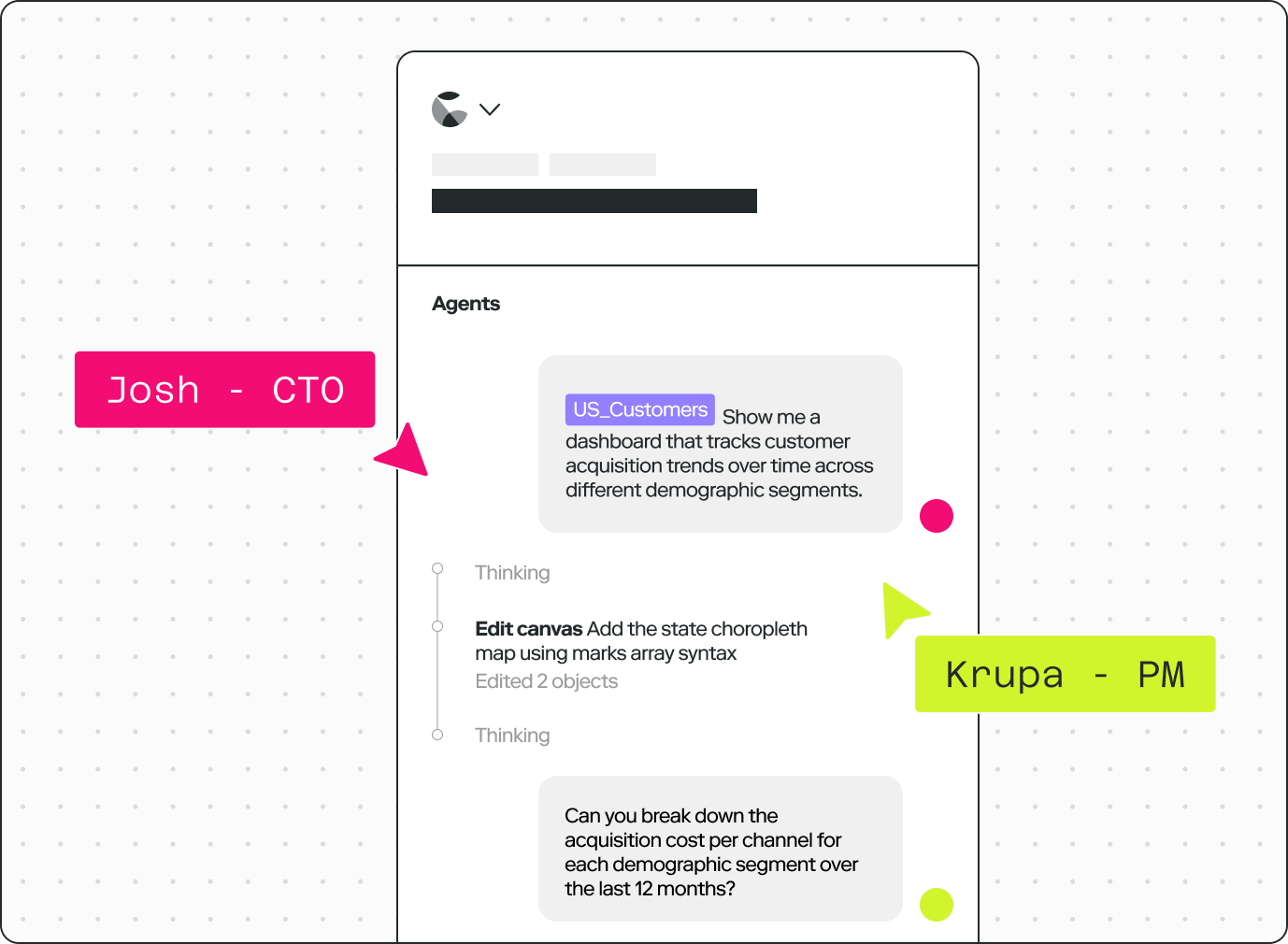
Chatbots are single-player experiences. You ask a question, get an answer but the insight is only for you. Hard to share, hard to discuss, impossible to build on as a team.
Count is collaboration-native. Share the canvas, build on each other's questions, challenge the findings, and reach a decision together. The value compounds instead of disappearing.
Chatbot outputs are disposable. The chart disappears when you close the tab.
You can't turn a chatbot conversation into a live dashboard, a metric tree, or a report that updates when your data changes.
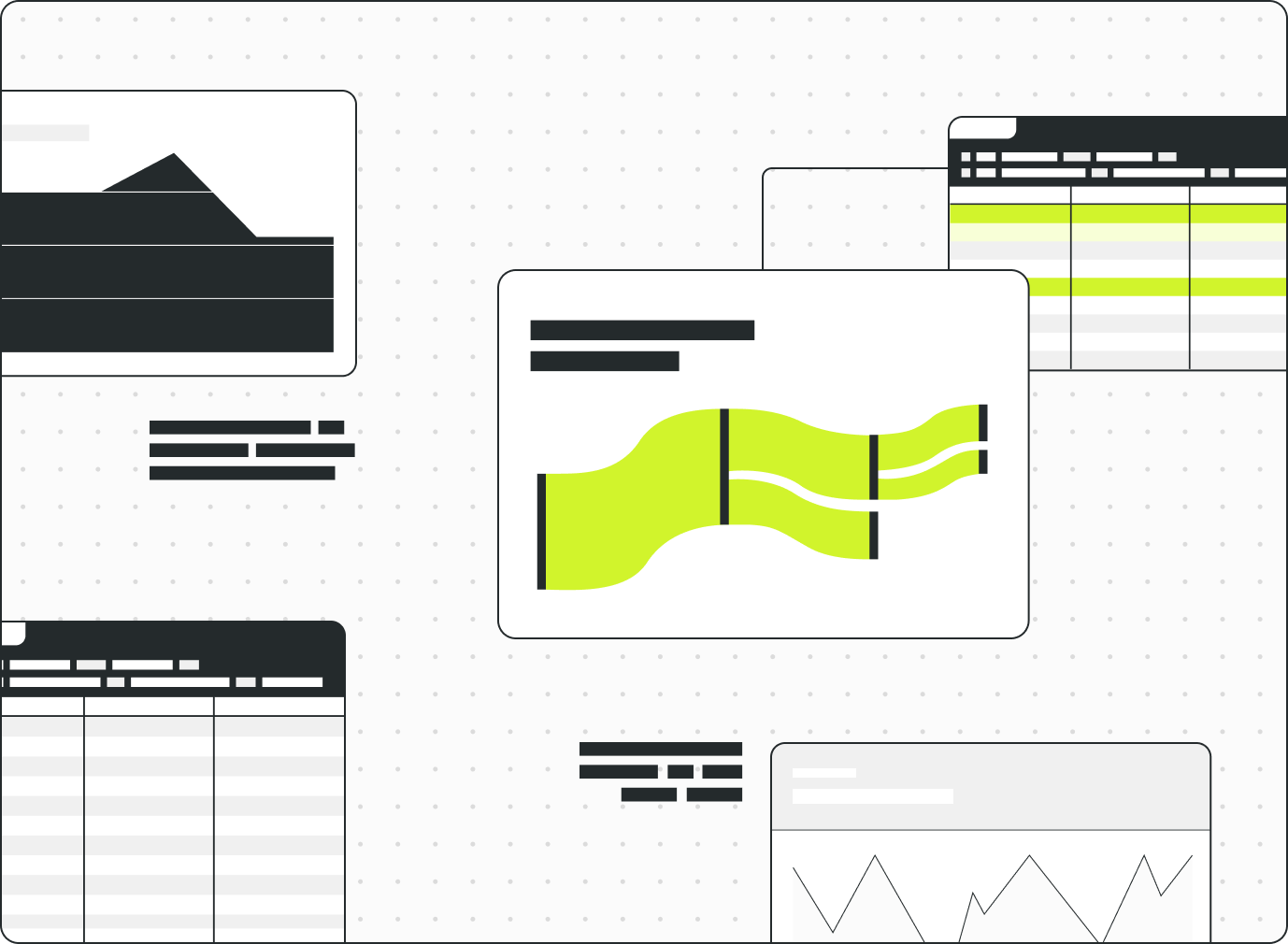
In Count, everything the AI builds lives on the canvas. It's auditable, reusable and connected to live data so you can turn a single question into a workflow.
Compare Count vs Chatbots
Count gives you all the speed of AI, but with trust, collaboration, and persistence built in.
| Capability | Chatbots | Count |
|---|---|---|
| Speed & access | ||
| Natural language querying | Yes | Yes |
| Fast answers to simple questions | Yes | Yes |
| Summarising data & patterns | Yes | Yes |
| Connects to your database | Limited | Yes |
| Connects to your business apps (MCP) | Yes | Yes |
| Works with large data | — | Yes |
| Scheduled reports & alerts | — | Yes |
| Trust & transparency | ||
| See the query the AI wrote | Limited | Yes |
| Follow the chain of reasoning | — | Yes |
| Edit and refine AI outputs | — | Yes |
| Branch and build on analysis | — | Yes |
| Collaboration | ||
| Real-time multiplayer editing | — | Yes |
| Comment & discuss on the analysis | — | Yes |
| Share analysis with full context | — | Yes |
| Fine-grained permissions | — | Yes |
| Outputs & presentation | ||
| Persistent, reusable assets | — | Yes |
| Dashboards & operational reports | — | Yes |
| Metric trees & process flows | — | Yes |
| Slide decks & presentations | — | Yes |
| Long form reports | Limited | Yes |
Count · 2026
intelligence
layer for
executives.
The intelligence layer for executives.
Why growth-stage executives are flying blind and the decision architecture that changes it.
- →The five obstacles blocking senior leadership intelligence
- →A four-stage maturity curve: reactive, informed, proactive, anticipatory
- →A five-question, 60-second diagnostic to locate where you sit today
FAQs
For a quick answer, often you can. The limits show up when the answer matters: a general chatbot works from whatever you paste into it, cannot query your warehouse at scale, and gives you no way to check how it got there.
Count connects to your sources, shows every query it wrote, and keeps the work so it can be checked, corrected and built on.
Yes. Every query the agent runs is visible on the canvas, along with the chain of reasoning that led to it, and you can edit any step and re-run from there.
That is the difference between an answer you have to take on faith and one you can audit.
Count connects directly to your data warehouse, and to your business apps through MCP, so the agent queries live data rather than a file pasted into a chat. It also works with datasets far larger than a chat window can hold.
You can still bring in CSVs and other raw sources when you need them.
It stays. Work in Count is a persistent, reusable asset: a canvas you can share, comment on, schedule as a report, or build the next question on top of.
A chat history is a transcript. A canvas is something the next person can start from.